
Customer assistance for retail teams
Help is one press away.
A counter button alerts staff on their pagers. An NFC tap confirms arrival, so managers can review how requests are answered.
- 01Request
- 02Staff alert
- 03Arrival
- 04Insight
01The shopper
Your customer needs help. Your team needs to know.
When colleagues are busy elsewhere, a customer at the counter needs a clear way to ask for assistance.
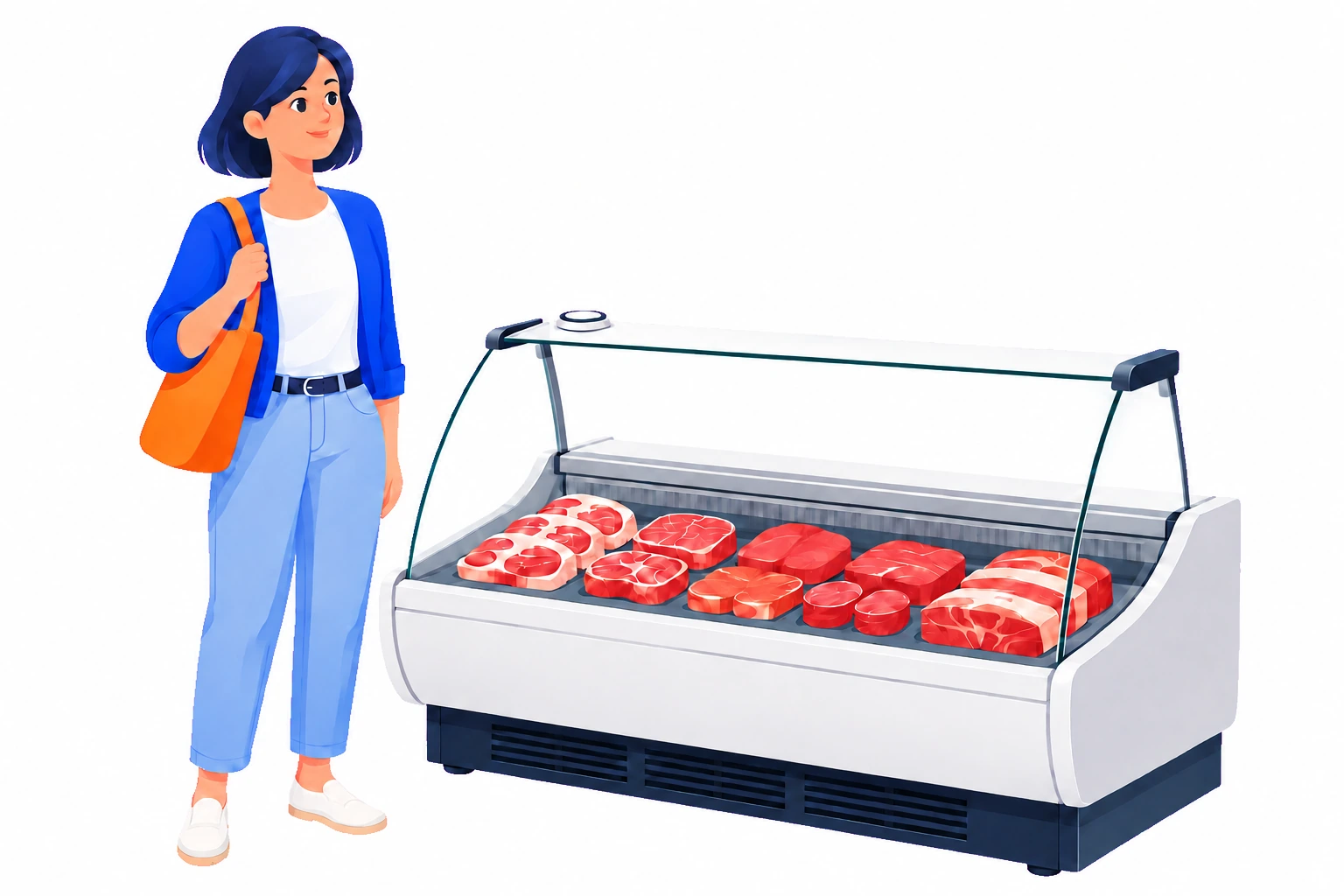
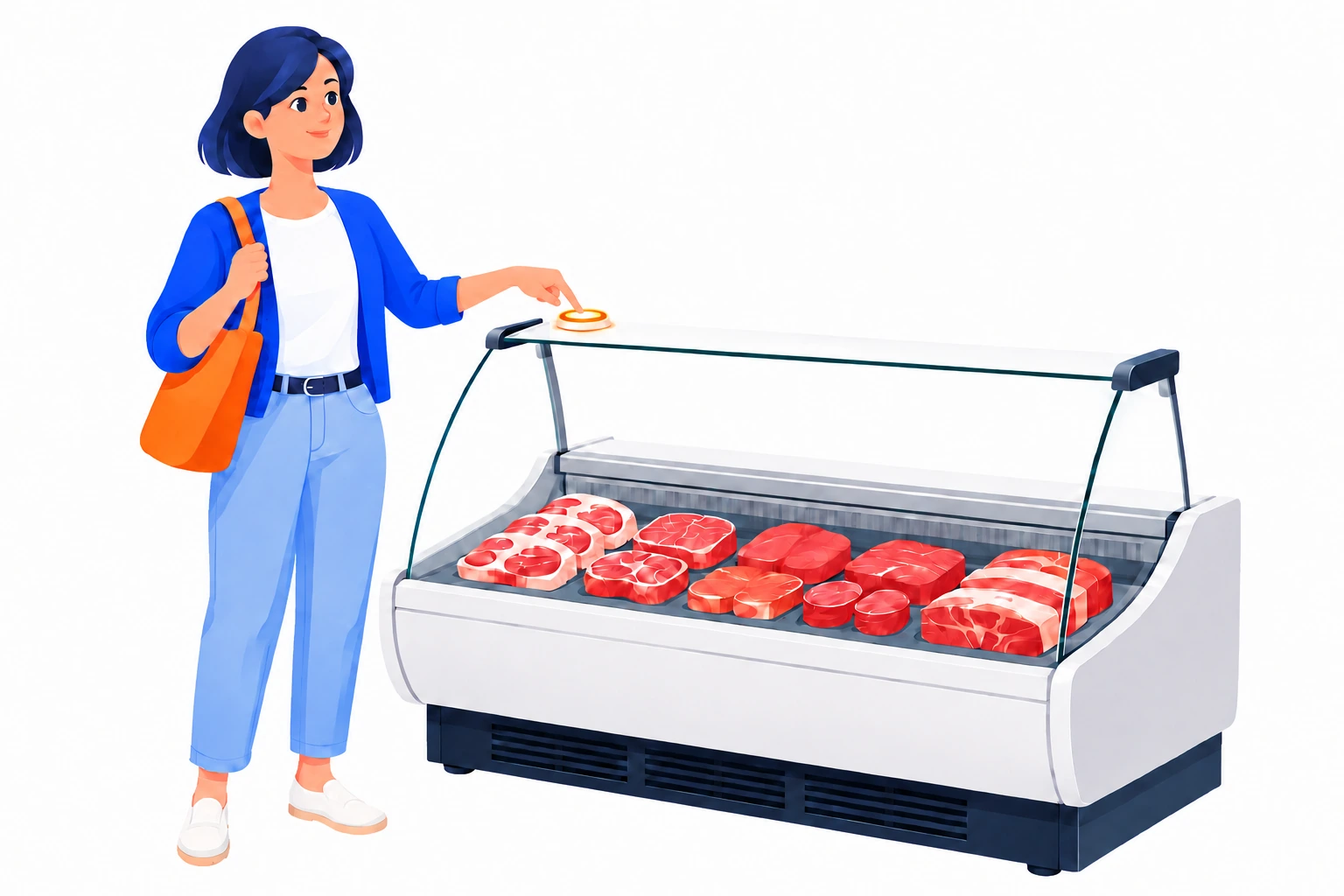
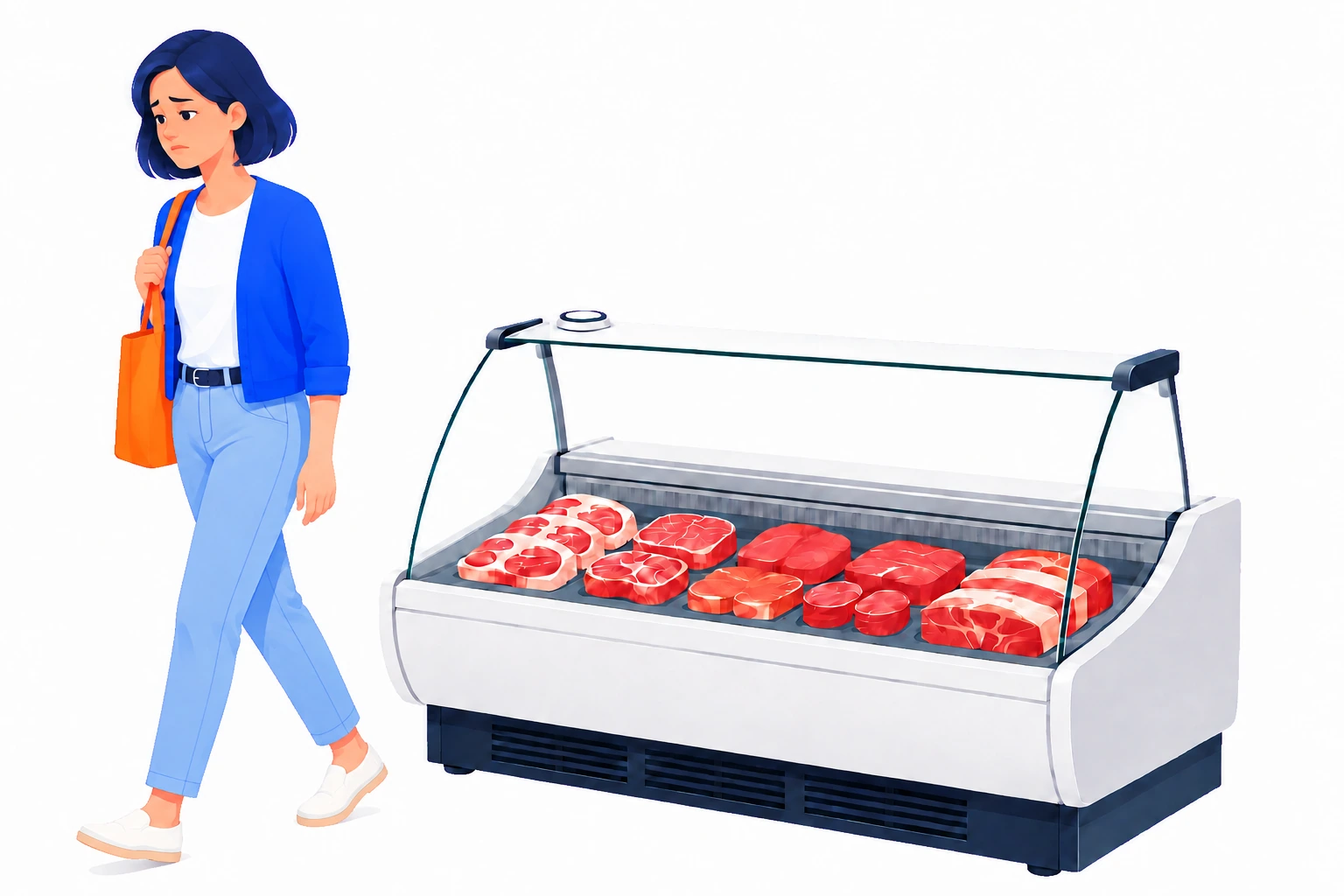
At the meat counter
A customer is ready to order, but no colleague is behind the counter.
No search through the aisles
One press lets them ask for help from the counter.
Make the request visible
Turn an unnoticed wait into a request the team can respond to.
02The worker
A clear request. A clear place to go.
The pager shows the department requesting assistance, so the colleague responding knows where help is needed.
See the response
While colleagues are busy
A colleague is replenishing shelves when a customer requests help at the counter.
The department on the pager
The alert identifies where the request came from.
A clear next action
The responding colleague knows which counter needs attention.
03The response
The alert is only the beginning. Record the arrival.
When the colleague arrives, an NFC tap records confirmation against the request—giving managers something concrete to review.

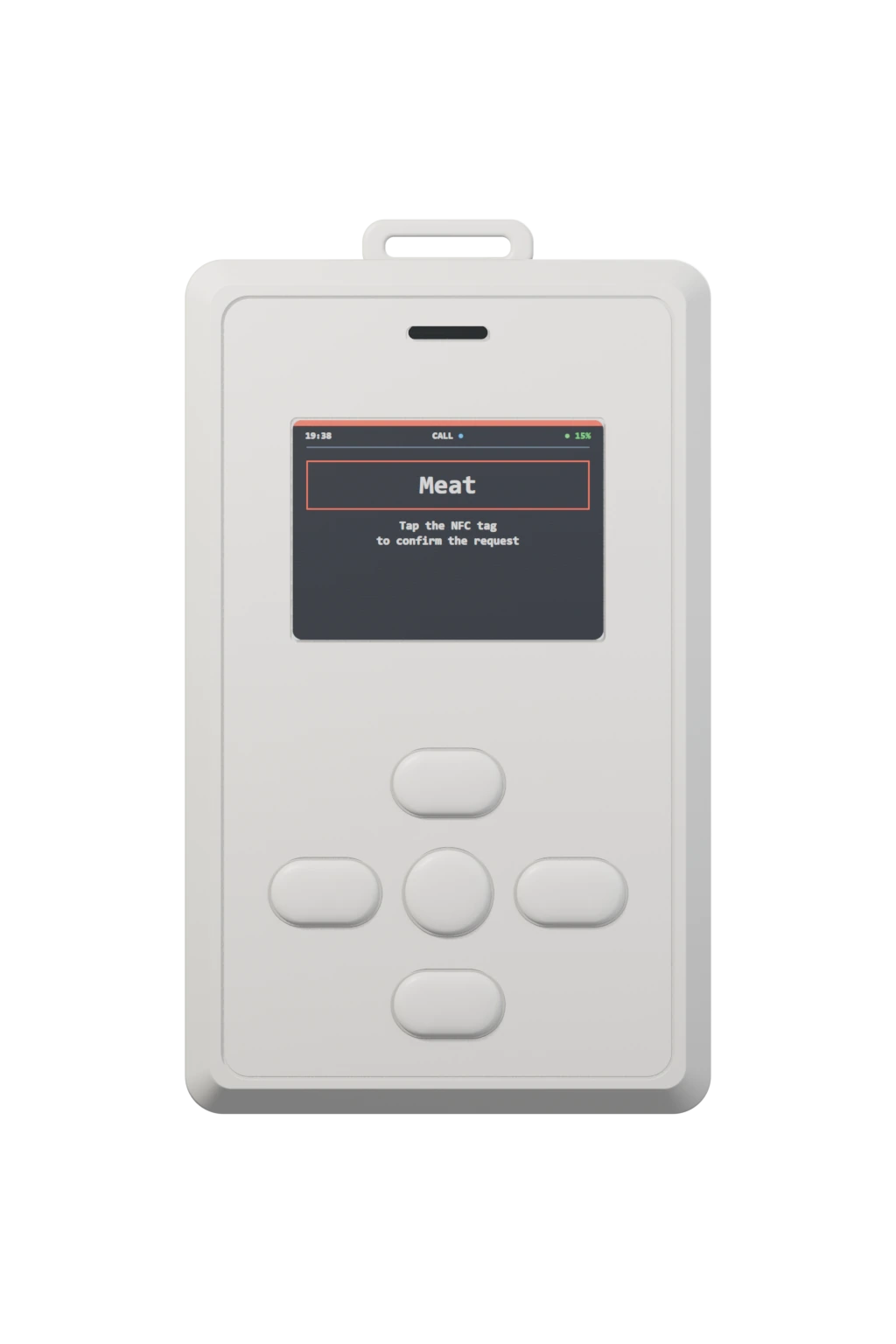
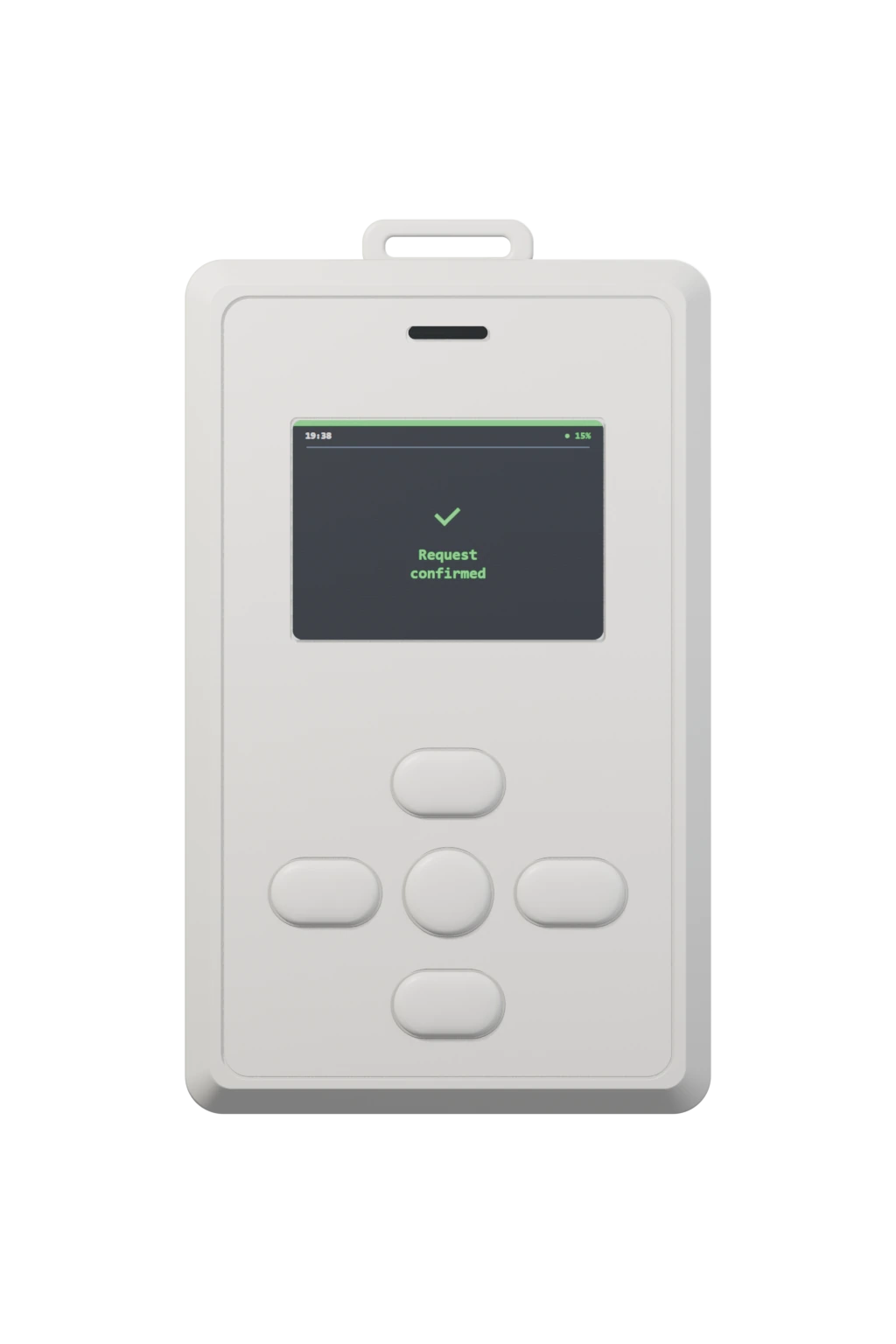
At the counter
The colleague arrives to assist the customer and taps the NFC tag.
More than a notification
Review which requests have a recorded arrival confirmation.
Useful for the next decision
Compare confirmation rates and waiting times to see where service needs attention.
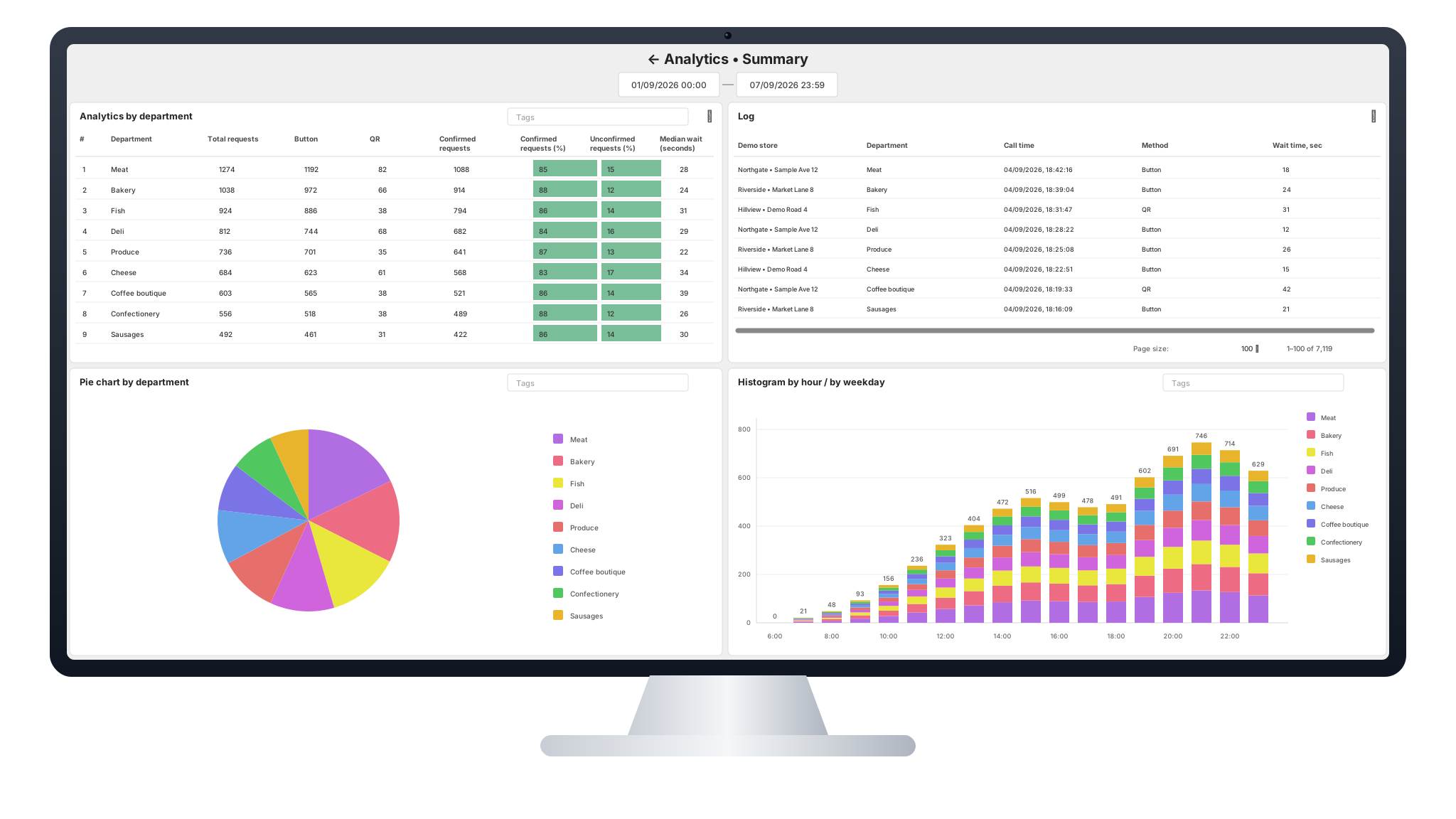
04Desktop analytics
See where help is needed—and how your team responds.
See which departments need help most, when demand peaks and how long requests wait for confirmation.

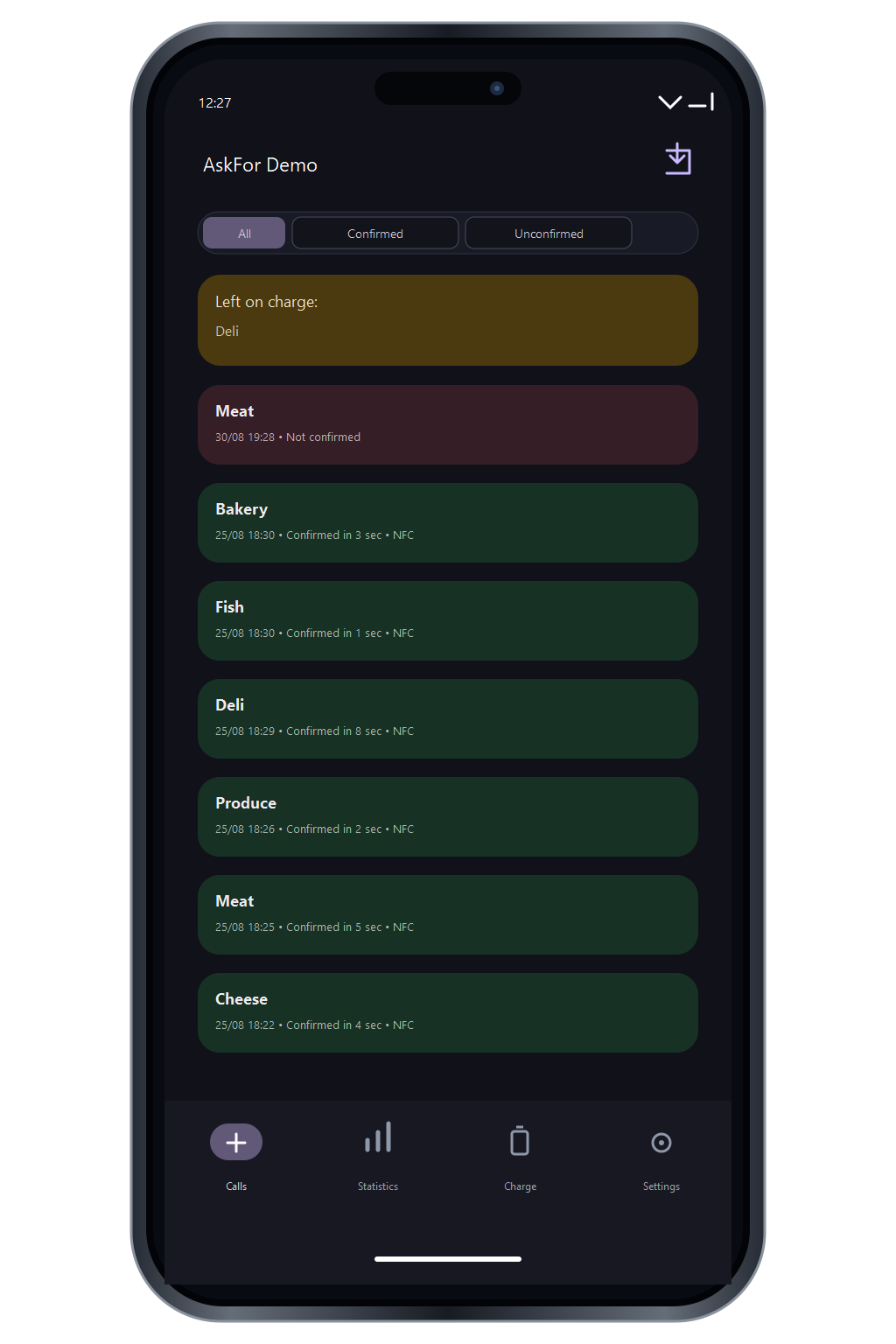
05The mobile app
Away from your desk. Still in the picture.
Check request activity, confirmations and charging status from the AskFor app.

06For your store
A better way to ask. A clearer view of the response.
Connect the customer’s request, the staff alert and the recorded arrival in one journey.
For customers
A way to ask. Right where they need help.
One press at the counter, without searching the aisles for a colleague.
For staff
Know where you’re needed.
A clear department alert on the pager brings the request to the team.
For managers
See the response, not just the request.
Review confirmations and waiting times to see where service needs attention.
Let’s look at your store.
Where do customers wait for help in your stores? Tell us about your team and the experience you want to give your customers.